FPS Meter
v3.0 (Latest)
by rdevz-ph
• Tools & Utilities
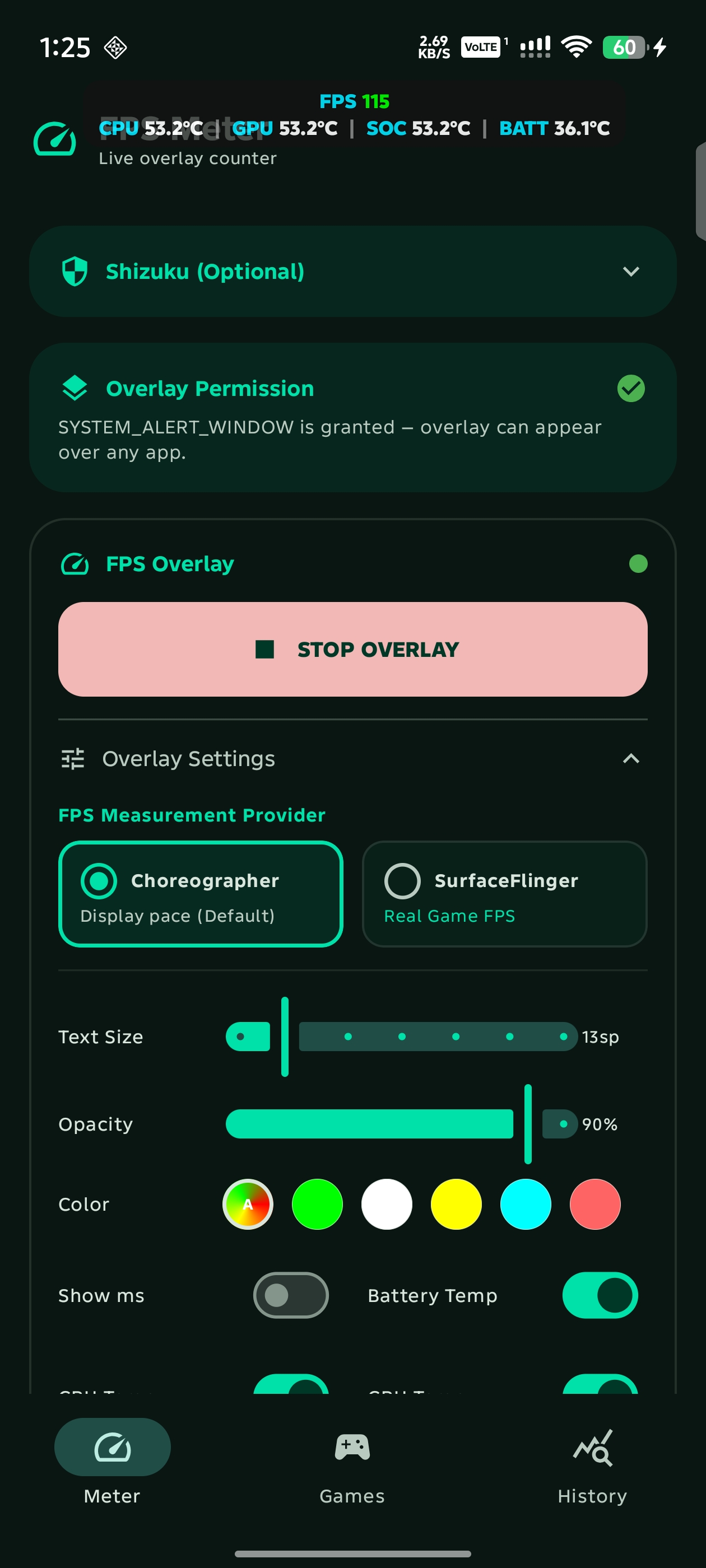
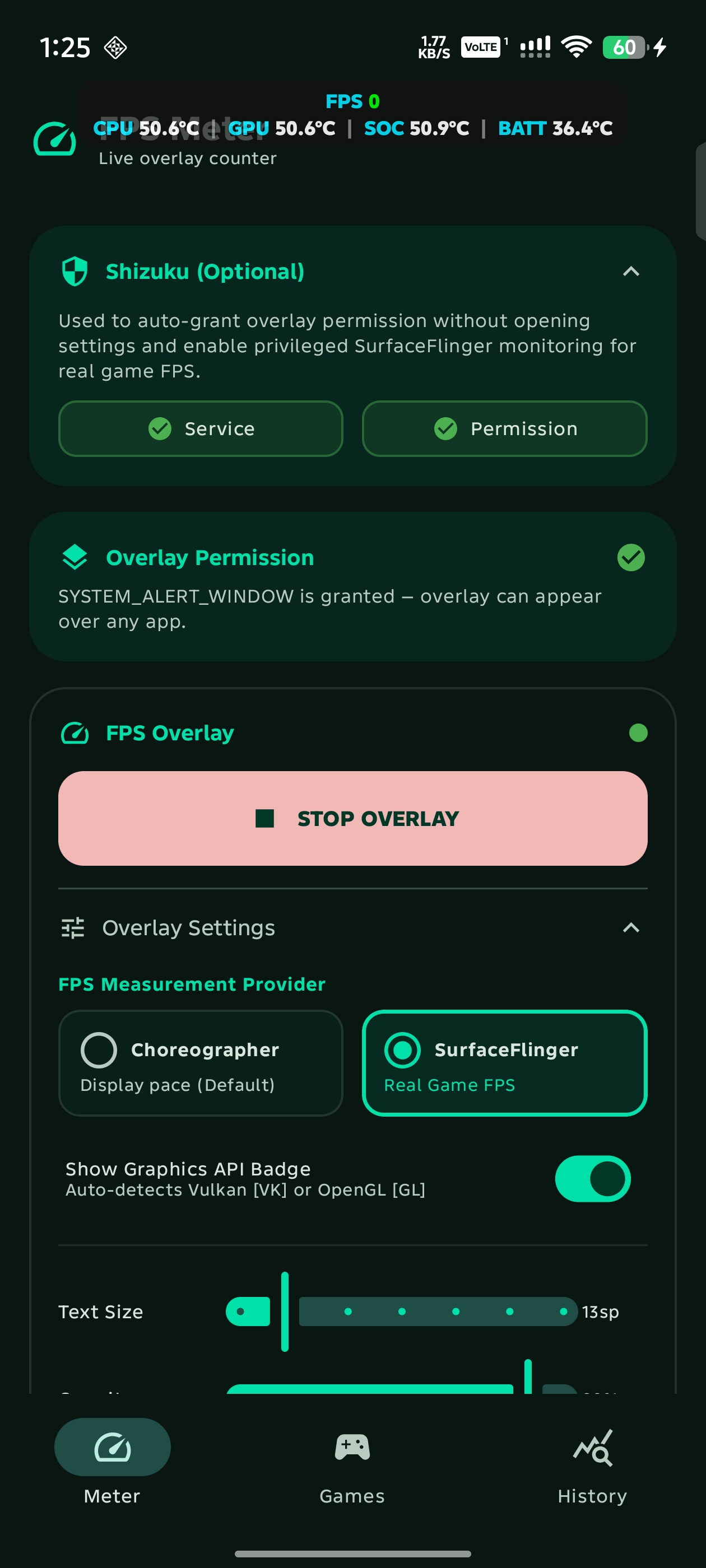
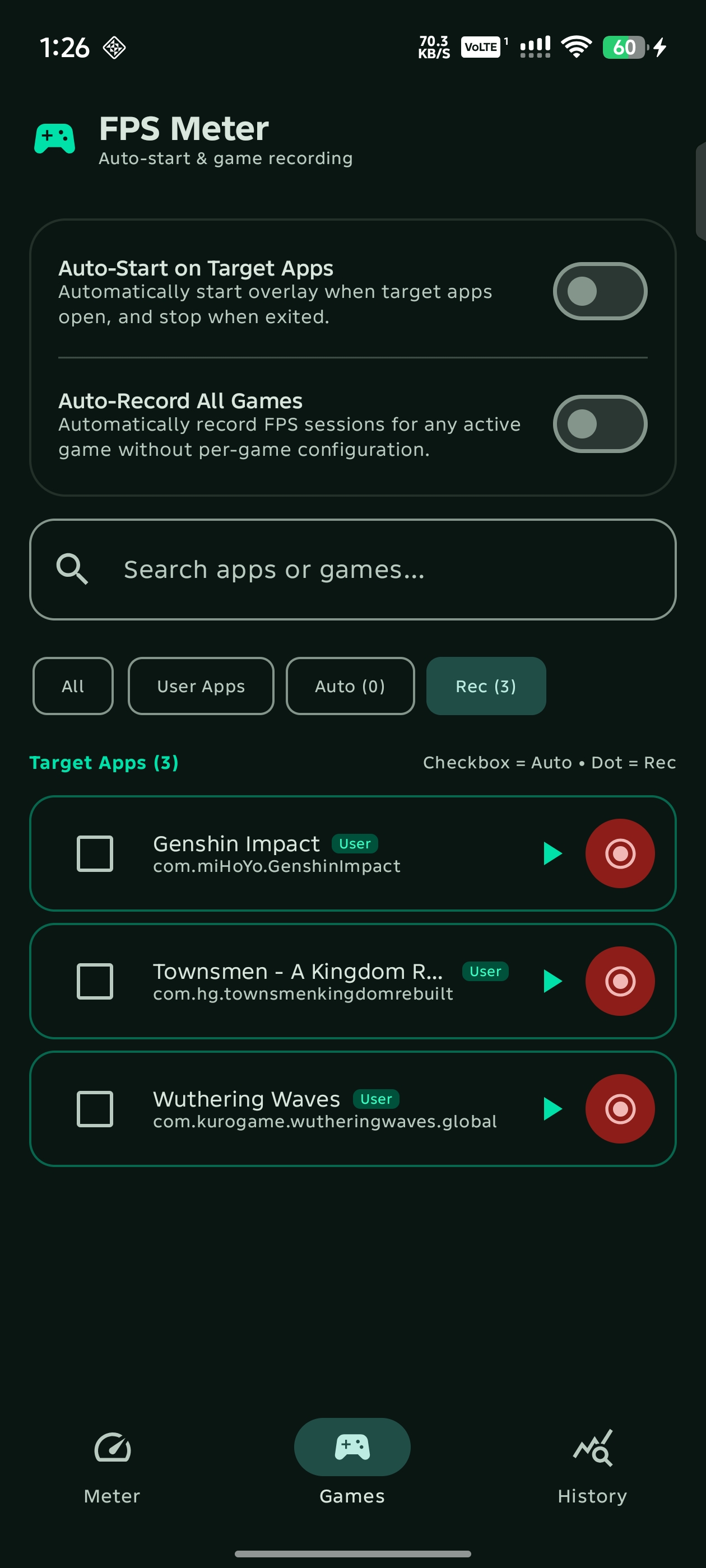
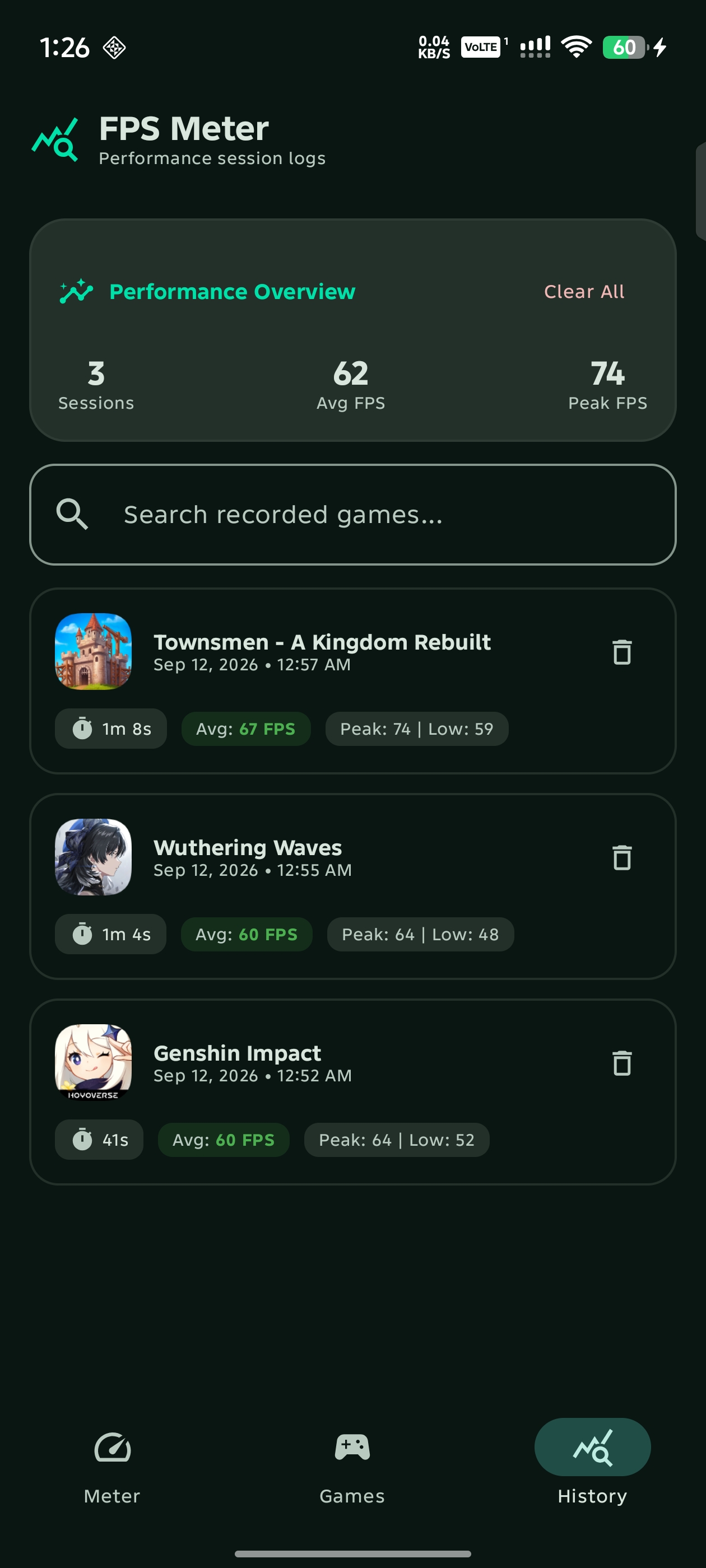
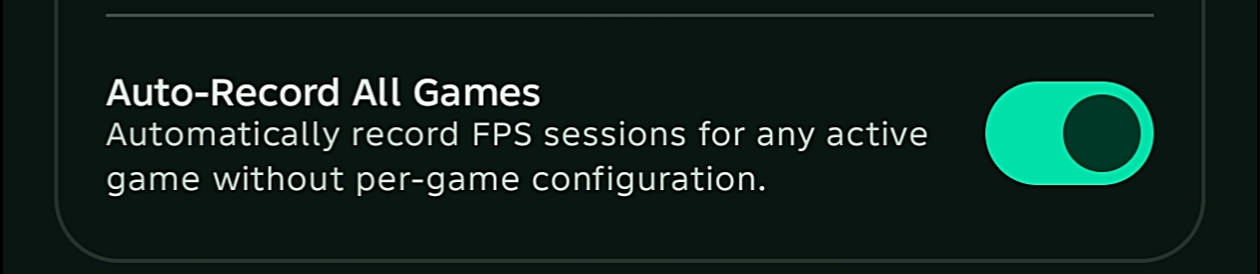
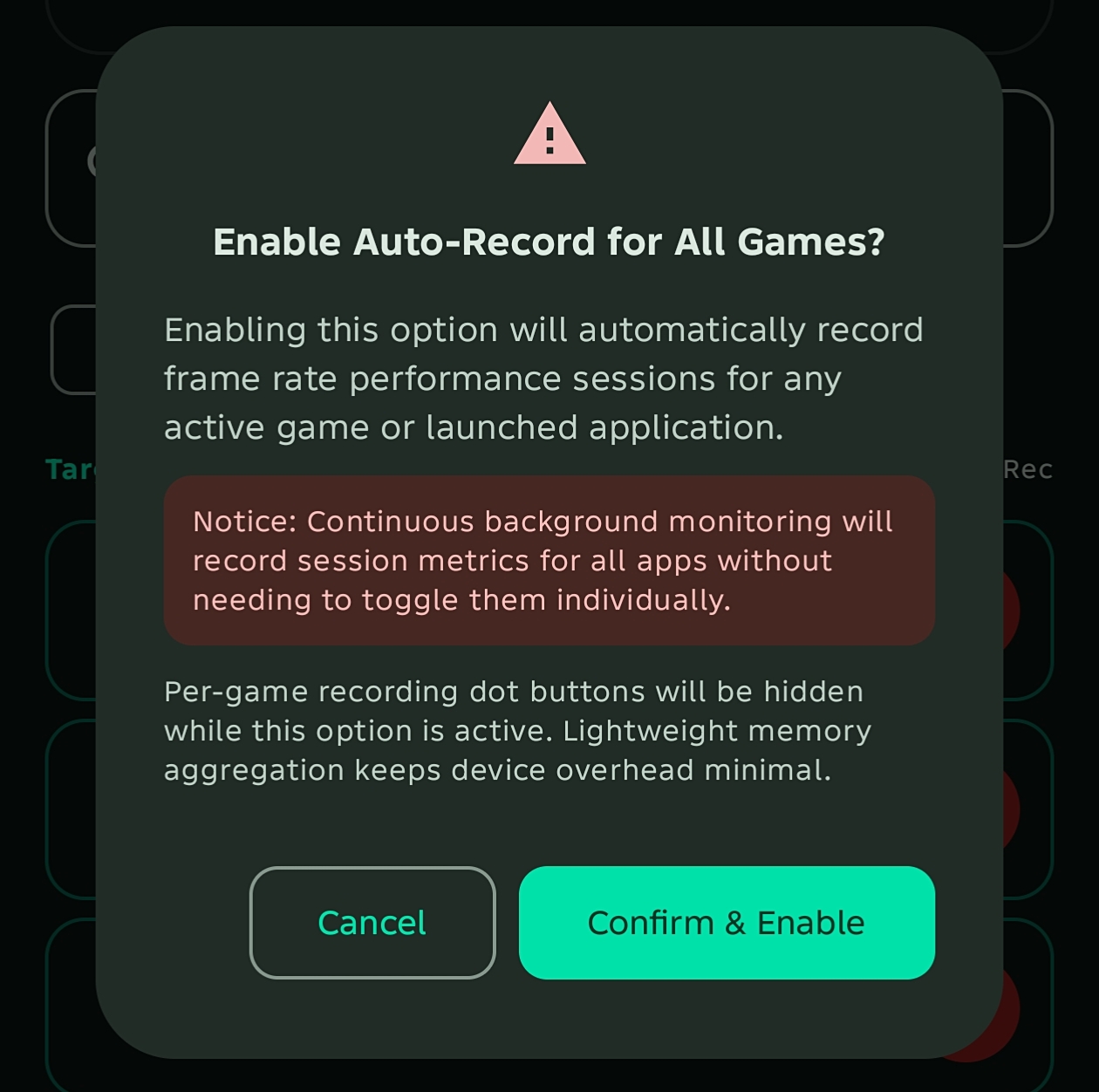
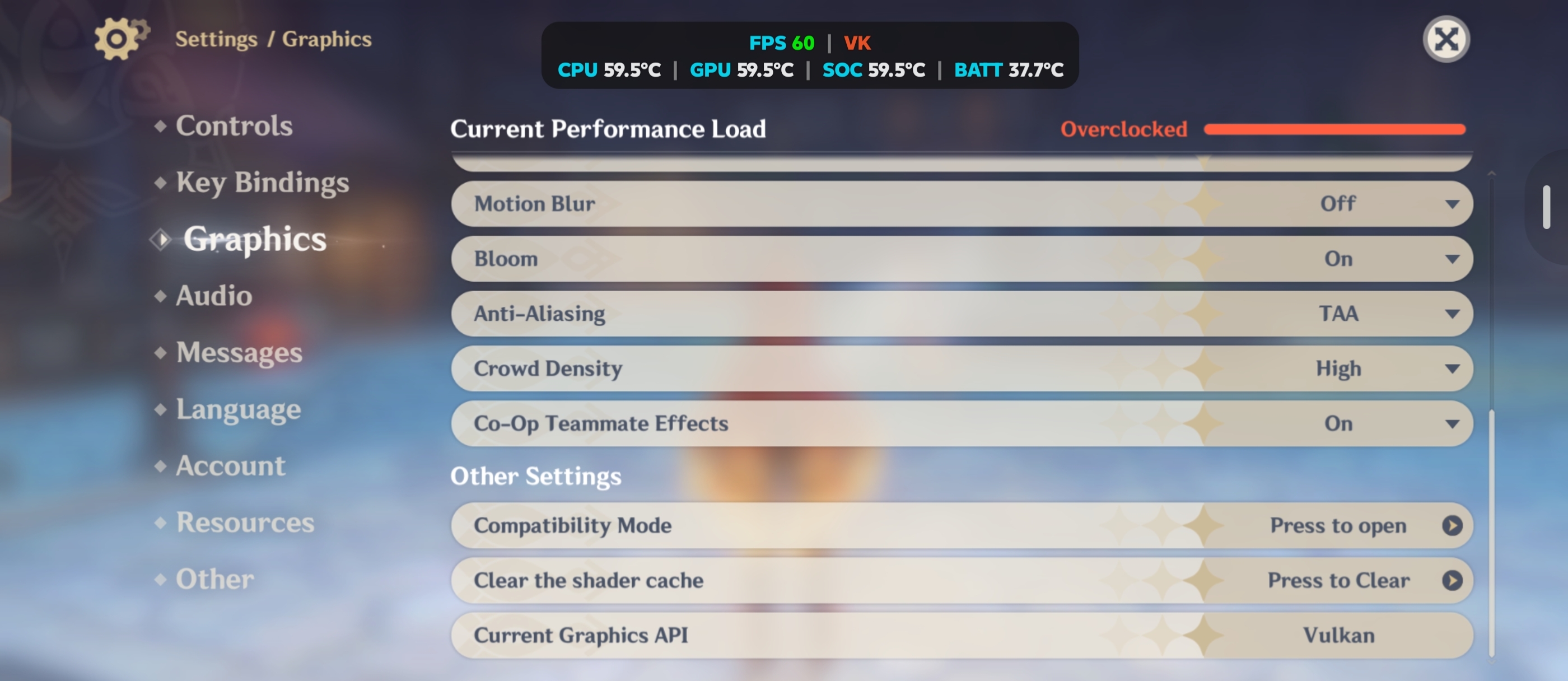
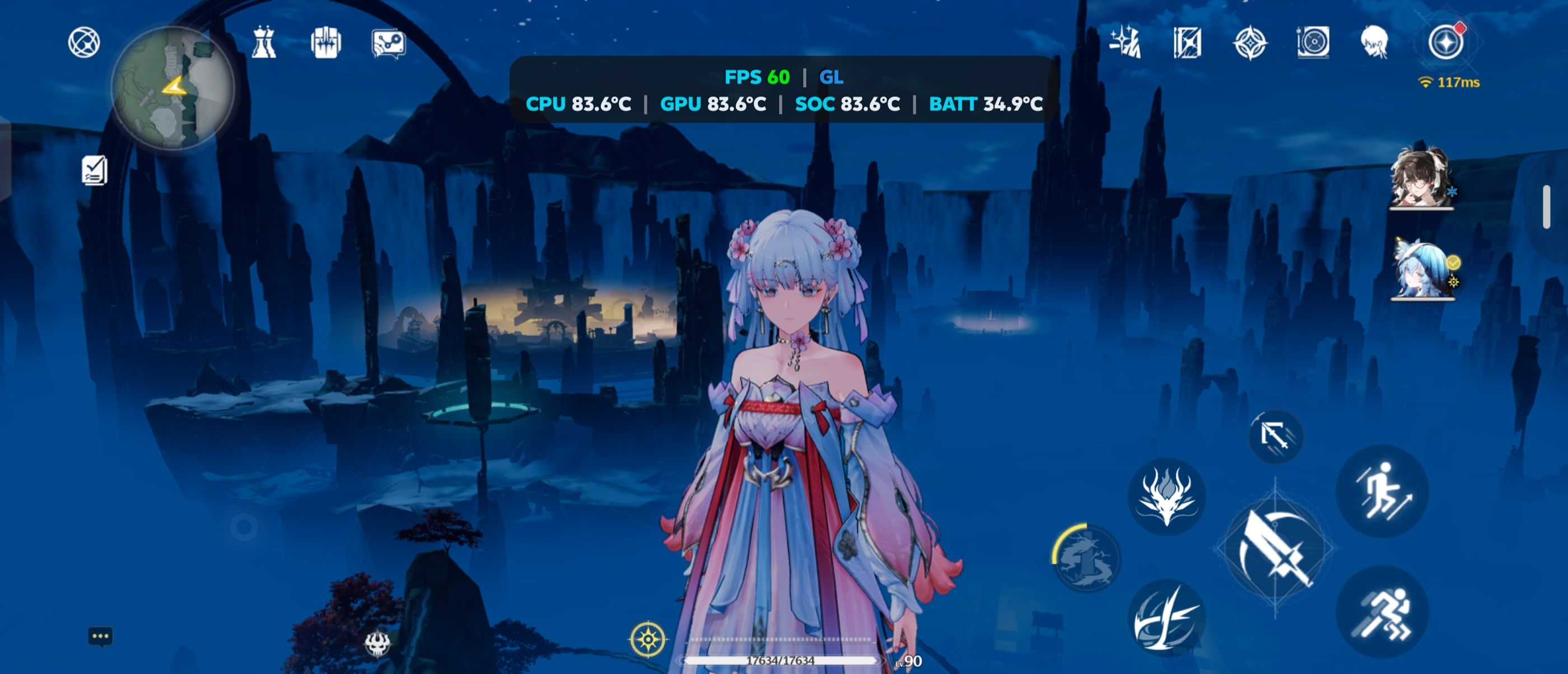
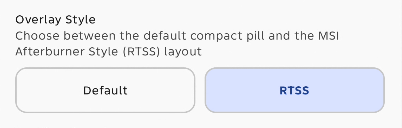
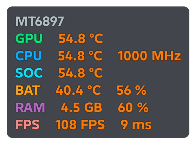
A high-performance, lightweight frame rate & thermal overlay inspired by Samsung Perf Z and MSI Afterburner Style (RTSS). Monitor true game FPS, Vulkan/OpenGL ES graphics APIs, battery level & thermals, CPU/GPU temperatures, live RAM telemetry, and record per-game performance benchmarks in real-time.




Important Notes
- The F-Droid build is signed with F-Droid's official keys instead of mine. If you want to switch to the F-Droid build, you must first uninstall your existing version from GitHub.
- Updates on F-Droid usually take longer to publish because of their build queue. You do not need to switch if you prefer faster updates directly from GitHub releases.
verified
Direct APK release • Also available on GitHub Releases, F-Droid, Telegram (@fpsmeterandroid), and ShizuStore
download
--
Downloads
v3.0
Version
Android 8+
Requires
MIT
License
No Root
Shizuku Ready